Click or tap on the audio player below for an AI generated deep-dive into this post.
Overall, I found the experience of being taught the basics of accessing and using Apple’s WeatherKit framework using an AI-generated lesson to be better and more inspirational than learning from a book. The ‘feeling’ was similar while getting a handle on the basics, but when it came to putting what I learned to use, having an AI that was familiar with the material was more enjoyable and productive. I’m already excited about the four lessons to come.
The first AI-generated lesson in learning about Apple’s WeatherKit framework tackled basic setup and authentication. Included in the plan generated by Claude 3.5 Sonnet were:
Setting up WeatherKit in Xcode
Obtaining necessary credentials
Basic API authentication
Making your first weather request
Displaying current temperature
Me: Expand Part 1: Basic Setup & Authentication into steps, with instructions and code examples.
Claude: <The source code for a basic weather app for MacOS written in SwiftUI that would retrieve my location’s current temperature.>
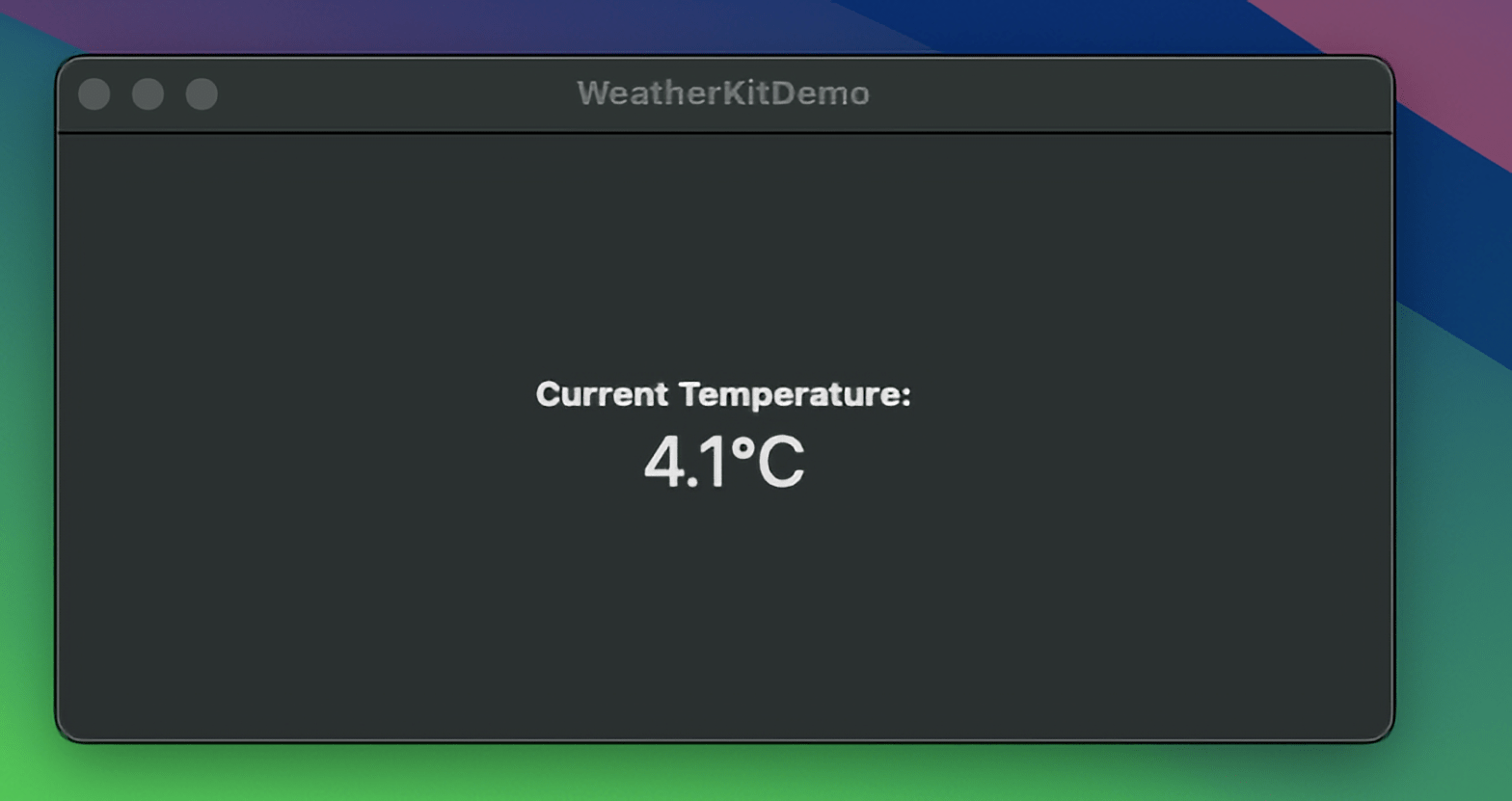
Like all good authors of how-to programming books, the AI quickly got me into the details and carefully explained the how and why of building the app. It did stumble over the steps needed to gain access to Apple’s WeatherKit framework, but after an hour of fiddling with my app’s identifier as defined in the Apple Developer website, I’d made my first connection and received the current temperature—- a chill3.6′ C.’ Brrr.
While the detour into the twisted route my app needed to make API calls to WeatherKit was not unexpected, it highlighted one of the wrinkles of AI-assisted software development and training. Just like a human author, the AI is only as good as when the AI or human author was last trained. Fortunately, as technology evolves and AIs become more Internet-aware, they can take a two-pronged approach to generating an answer to your prompt. First, check the large language model, and then reflect on the answer by double-checking with the Internet. But, keeping up with the rapid pace of the tsunami of change that Apple makes to their development tool can challenge even the most sophisticated AI and software development professional.
Another surprise, which was my fault, to be honest, is that the code Claude generated employed the “Manager Design Pattern.” The Manager Design Pattern, MDP, is a software design approach where a dedicated “manager” class or component oversees and coordinates specific tasks, resources, or behaviours in a system. It acts as an intermediary or controller for handling certain aspects of an application’s logic, often encapsulating complex workflows, resource management, or interactions between different components.
With the emergence of the SwiftUI declarative UI framework, the manager design pattern tends to get messy when managing the real-time state data flow to which SwiftUI reacts. A better design pattern, and my go-to one for the past five years, has been the Model-View-ViewModel one. With MVVM, the manager is separated into a Model class and a ViewModel class, giving Apple’s Combine framework more control over an app’s internal communication network.
My initial prompt didn’t mention a design pattern, so Claude chose the tried-and-true Manager pattern. Fortunately, Claude, after considerable coaxing and lots of back and forth between me and it, was able to convert its initial design into one that used the MVVM pattern.
Well, that escalated quickly!
What stood out most for me was going beyond the focus of the first lesson after getting the basic functionality working. This habit of instantly putting to use the basics a chapter in a book has just taught me means it takes me forever to get through the book. But, in the end, I’m an order of magnitude more knowledgeable of the chapter’s content.
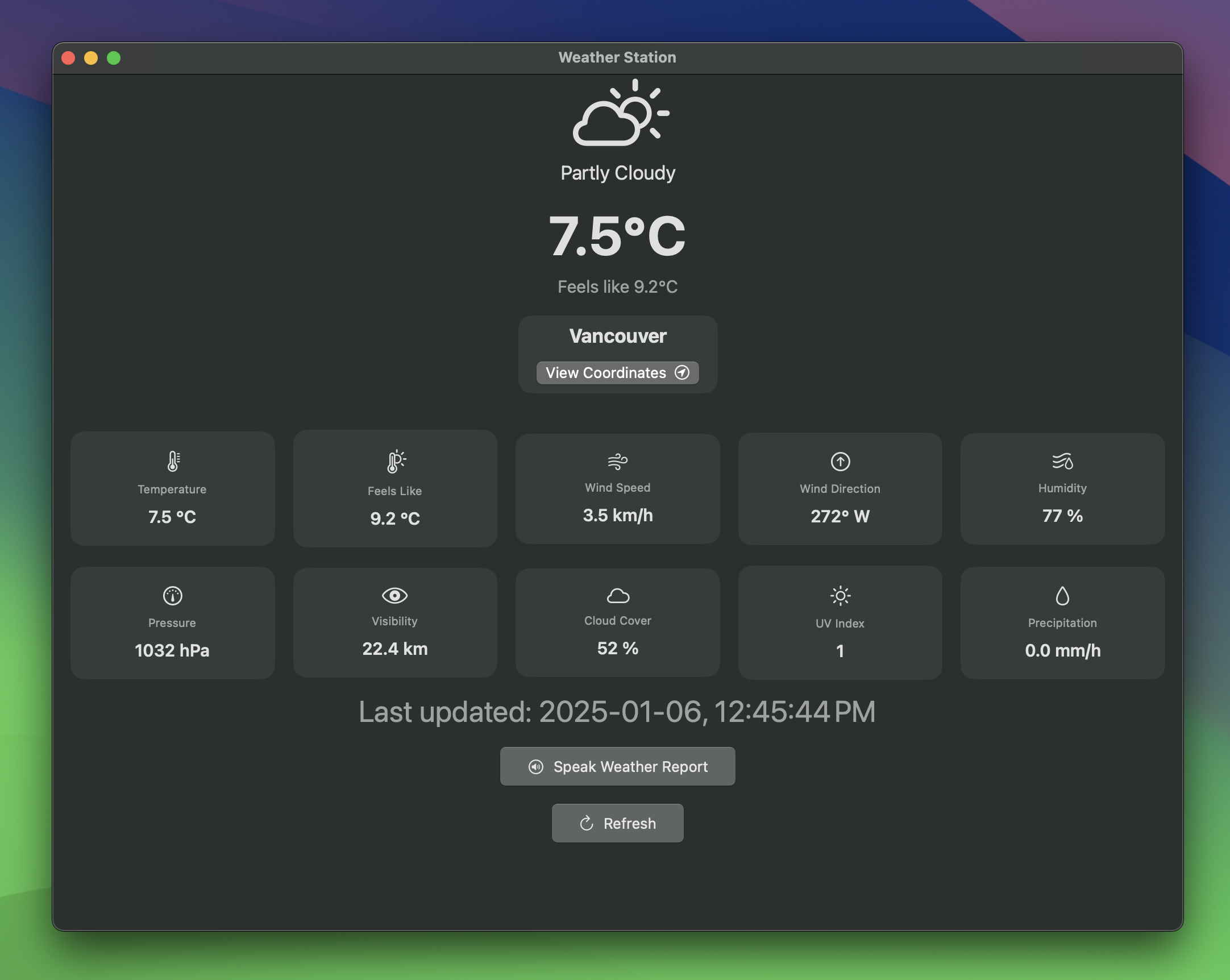
What started as an app to get the temperature for my location within a few days had become an app that would not only display all of the local real-time weather data for my area but could create a spoken summary of it.
“Here is the current weather for Vancouver at …”
Lots of fun.
 Forefront Systems