AI and Software Development – Part 2

Created by Midjourney 5

A fun feature of SwiftUI is the ability to create progress indicators beyond the old-school left-to-right thin rectangle. Yawn. Rectangles are so 20th-century. Users today expect something big, bold and beautiful and circular progress meters fill that UX element nicely.

I also like to practice my software skills in creating digital clocks. I guess it’s a habit born of being an hourly contractor mixed in with having a post-graduate advisor who loved to restore old clocks. Rather than talk about the next steps in my studies, he loved to show off his latest centuries-old clock that was now “purring like a kitten.”

Time to put ChatGPT 4 to the test.

My goal is to describe to ChatGPT 4, a simple application that displays the time of day down to the second, using three nested circular progress meters representing the hour, minute and second on an Apple device. As a bonus, I’d also like the time displayed in the regular hour:minutes:seconds format. ChatGPT will be my software developer and generate all the SwiftUI code the app requires. Then, in a conversational style, I will act as the product manager and describe to ChatGPT the enhancements I want it to make as we drive towards a shared vision of the application.

Note the phrase “shared vision.” Working with an AI is quite similar to how I’ve worked as a member of a team of developers. Each of us has a vision of what the app will look like and how it will perform, and through a series of conversations, we eventually arrive at a shared vision. Not my vision. Our vision. Groupthink is a critical mindset when working with an AI—one of cooperation rather than domination. As a developer working with others, I must put my ego on the back burner and prioritize the shared vision over my vision. It’s not easy, but it’s always worth it.

AI and Software Development – Part 1

On August 31, 2017, while most of us were looking forward the arrival of the dog days of summer, the most fundamental advancement in Artificial Intelligence (AI) slipped onto the Internet and under the radar of nearly everyone. On that sleepy Thursday, Google published a white paper with the academic title Transformer: A Novel Neural Network Architecture for Language Understanding. A document that, in hindsight, might turn out to be the precursor of AGI – Artificial General Intelligence. The dawn of Homo Sapiens 2.0. A technology that, on November 20, 2022, would stun the world with release of ChatGPT 3.0.

ChatGPT 3.0 (the ‘T’ in the name meaning Transformer) turned out to be, pun intended, transformative regarding natural language processing (NLP). Suddenly, with a few lines of text, anyone could write a poem, complete a complex essay for high school and write reams of computer code in over a dozen languages, including my latest favourite – SwiftUI.

Four months later, ChatGPT 4.0 was released. An NLP that was an order of magnitude more powerful than its version 3.5 predecessor. A version that could pass the US bar exam and write a novels in a day. And, importantly to me, one that had the skill of an entry-level software developer to that of a seasoned veteran.

After 45 years of software development, I saw my career ending. Or was it? Did the development of the application program interface (API) design pattern end my career? No. It made it more accessible. Did the development of reactive programming languages such as SwiftUI crush my career as a UX designer? No. It made it infinitely more enjoyable. The evolution of the software development industry is no stranger to things getting more accessible and reliable. And while the arrival of ChatGPT and its code-writing skills stunned me, I knew this was just another moment of technical evolution.

It was time to see for me, and perhaps you, just how good ChatGPT 4.0 was for writing SwiftUI applications.

What follows will be a series of blog posts on my first crack at using ChatGPT 4.0 to create a simple but flashy SwiftUI application. The experience was, to be honest, stunning. In just an hour, I completed what even just a year ago would have taken me an entire week.

Xc Fonts 1.0

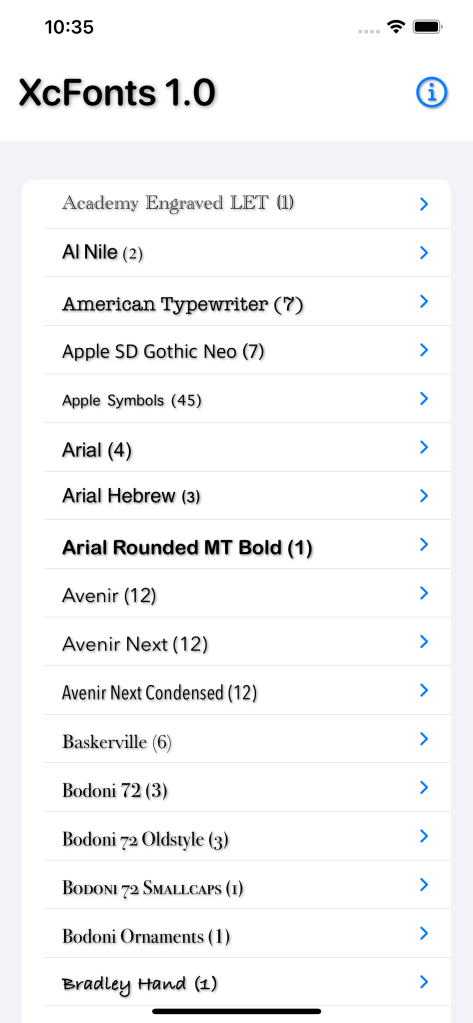
Forefront Systems Inc. is excited to announce the release of a new tool for iOS mobile app developers – Xc Fonts 1.0.

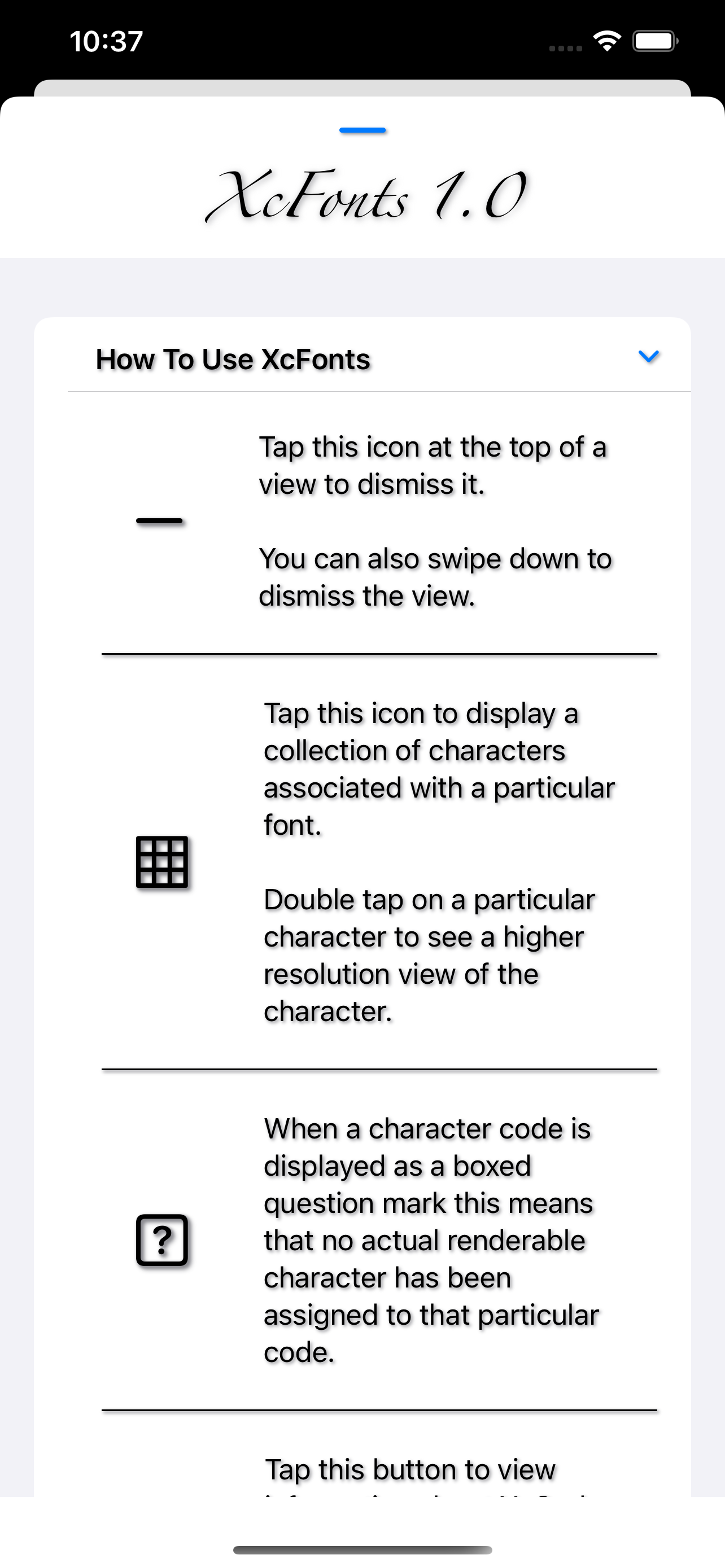
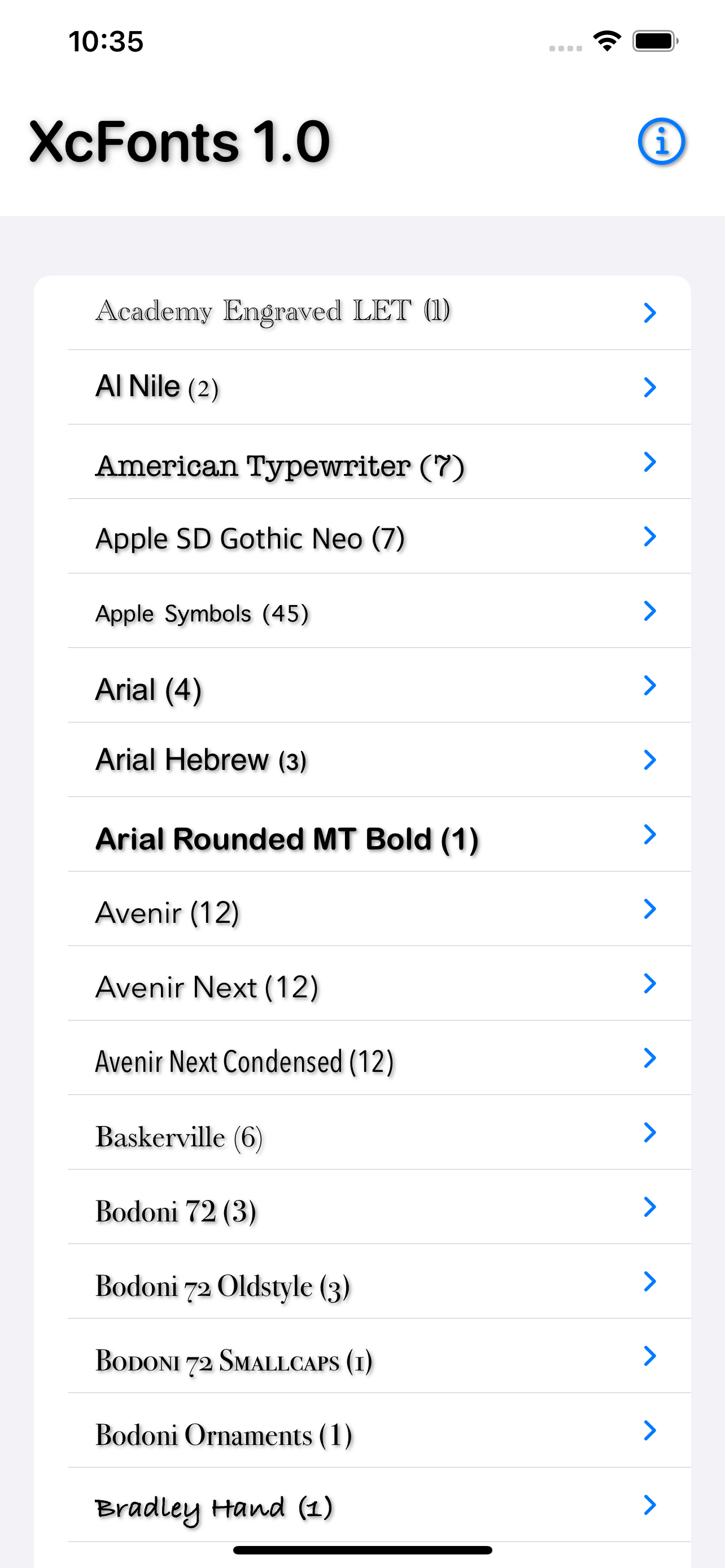
Xc (for Xcode) Fonts is a lightweight tool developed using the latest version of Apple’s new SwiftUI programming paradigm and provides mobile and web app developers with quick and easy access to the hundreds of fonts and thousands of characters bundle into the iOS operating system.

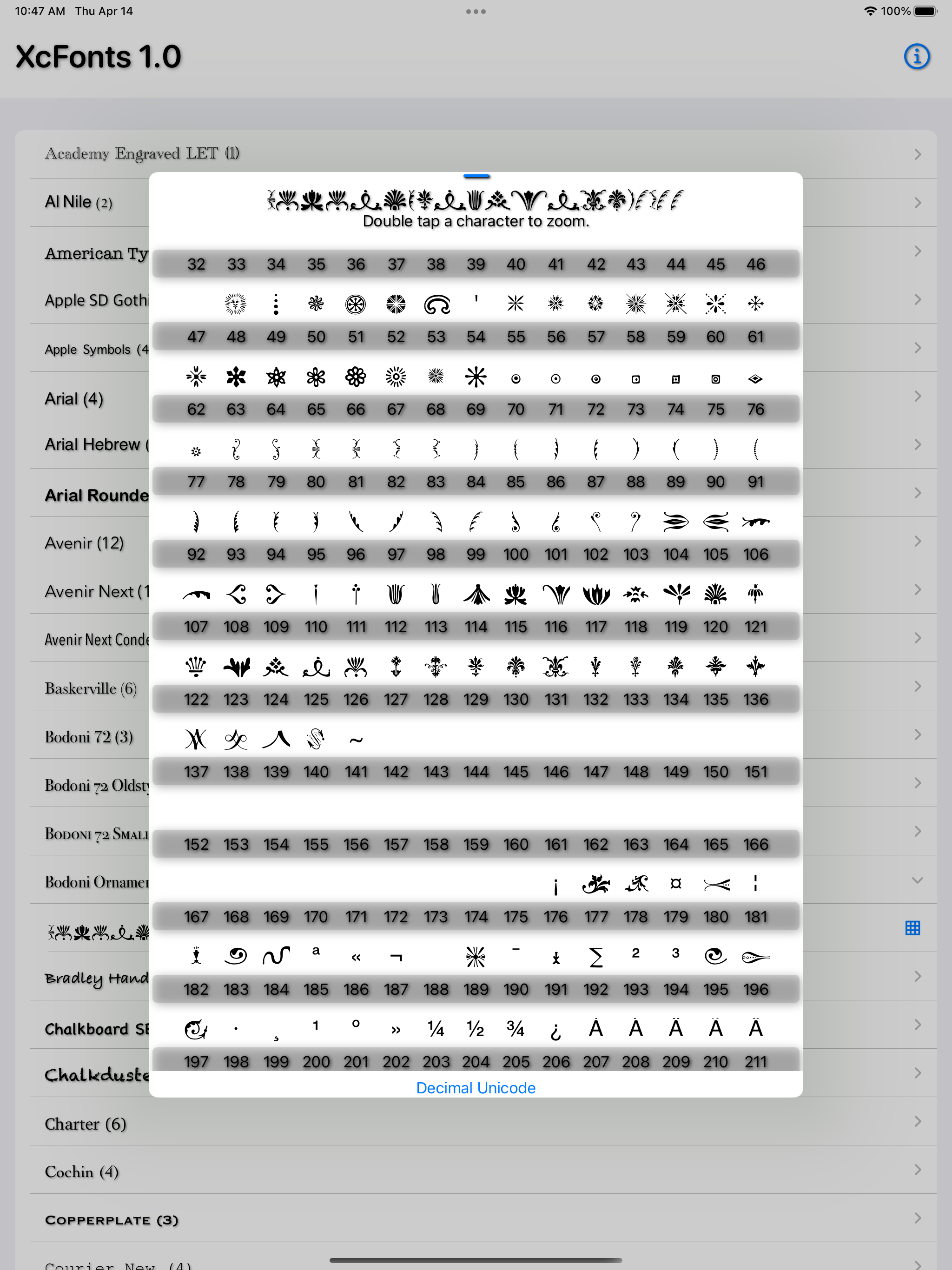
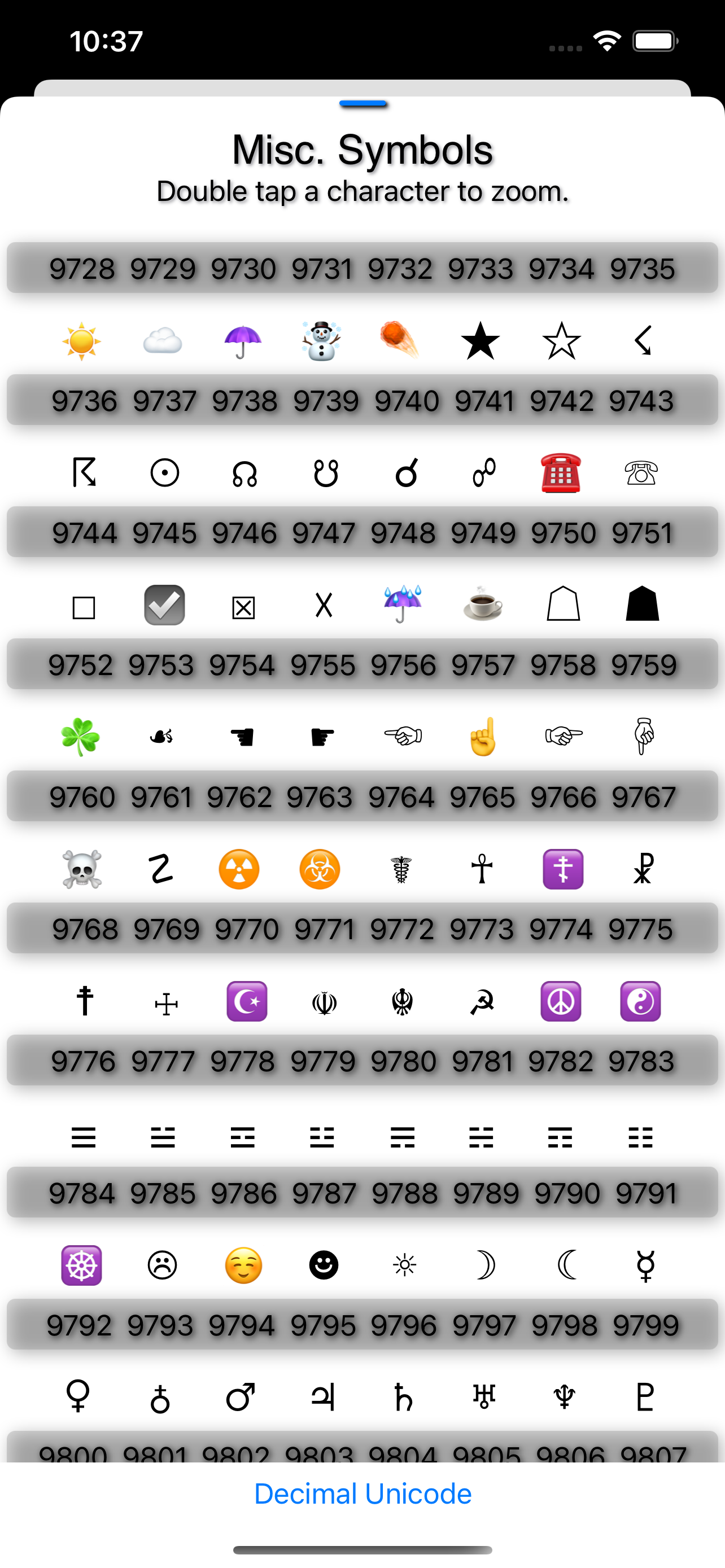
The app automatically interrogates iOS for the currently supported font families and their associated fonts which the user can then quickly drill down to view the complete character list, the Unicode values used to display the characters and a zoom in feature that displays a larger view of a specific character.

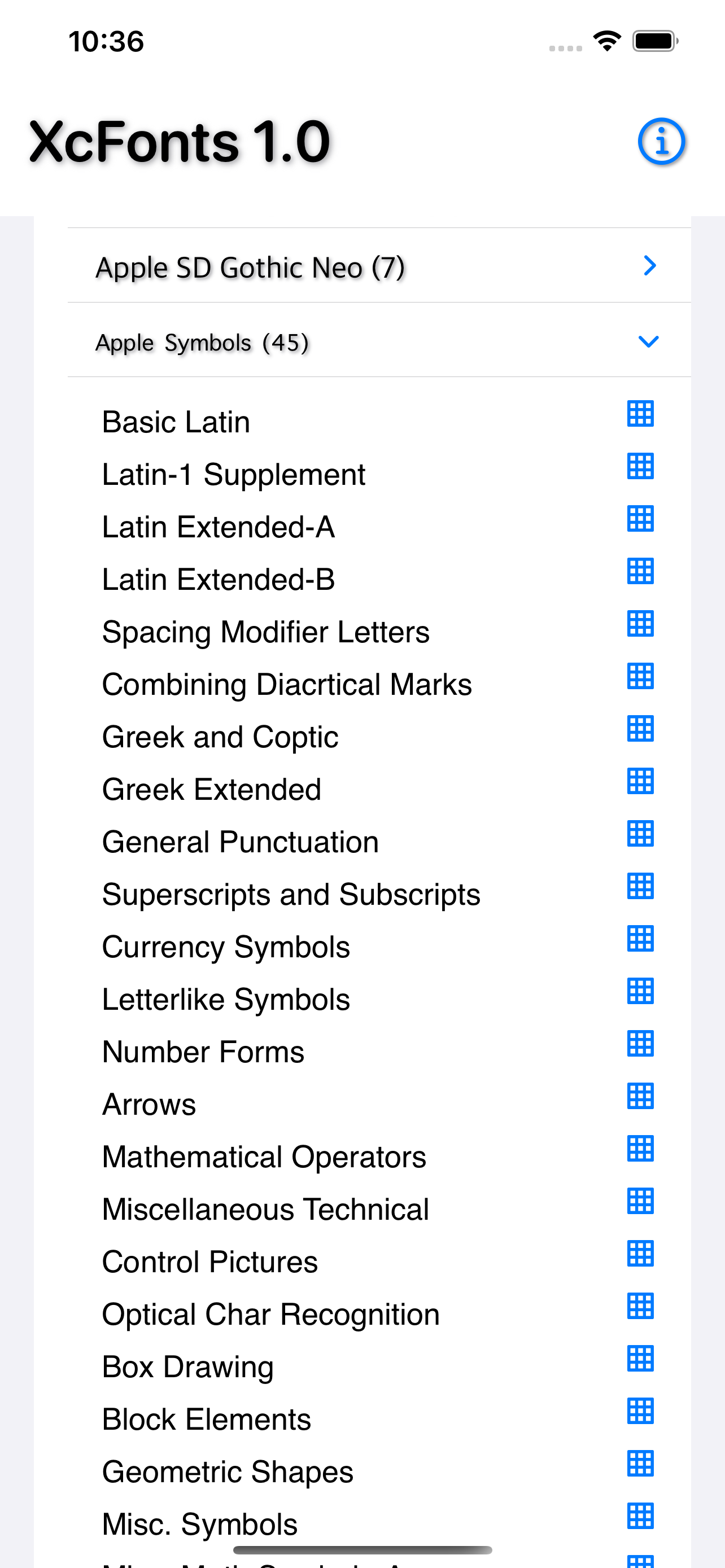
As an added bonus the app expands on the native Apple Symbols font to display in detail the 45 hidden fonts not available in Apple’s native font viewer applications.

This first release is just the beginning with the 1.1 release already in development which is expected to ship early summer of 2022.

It’s hoped that this tool will inspire other iOS app developers to add that extra bit of artistic and font flair to their applications.

You can download Xc Fonts here.

Xcode’s View Hierarchy Viewer

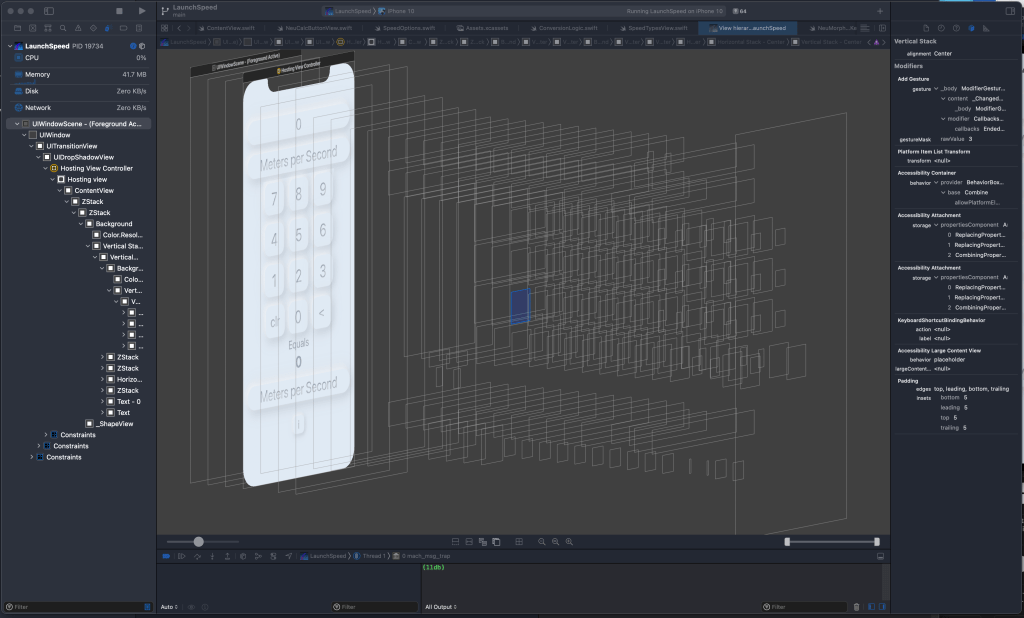
One of the niftier components of the Xcode development environment is the view hierarchy viewer. While running your app in the simulator of your choice you can, in real-time, generate a 3D view of all of the views, sub views, sub sub views, … well you get the picture … of the apps currently executing view hierarchy.

It’s a cool feature but one that, apart from the rush of ‘wow that’s cool!!’ that it delivers I’ve yet to actually use it while debugging an app. I also have the feeling that if I ever have a bug in my app that needs a debugging interface of the complexity of something that I’d expect to find on the bridge of the Starship Enterprise me and my app would be in serious trouble.

I’m sure with enough time, testing and fiddling with it I’ll learn that Xcode’s view hierarchy viewer fits within the category of Something Incredibly Helpful but at my current level of expertise with SwiftUI it feels instead that I’ve been given an epic weapon as a first level player in a game of Star Wars 5E Dungeons and Dragons. According to the game master the weapon is incredible and it’s up to me to learn just how incredible it is.

Launch Speed 2.0 Released

Forefront Systems Inc. is happy to announce the release of a new version of Launch Speed for Apple iPhones, iPads and Apple M1 chip equipped Macs.

Click to Download Launch Speed 2.0

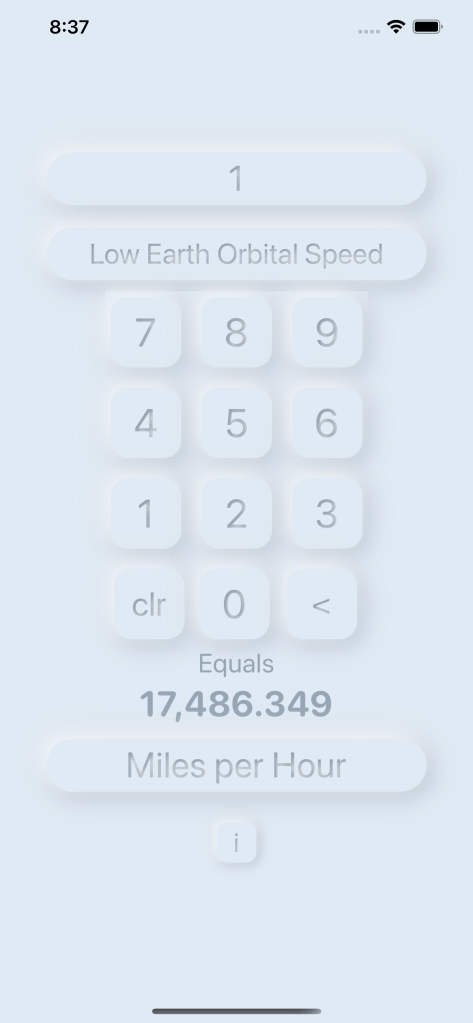
Launch Speed 2.0 is a complete rewrite of Launch Speed 1 that I released in 2015 and reduced thousands of lines of Objective-C code down to a few hundred lines of Apple’s new SwiftUI programming language. As an added challenge the application features my first attempt at the up and coming Neumorphism interface design.

I’ve been a fan of space exploration for decades and thanks to the amazing launch coverage now available via the Internet I hardly ever miss a chance to watch a rocket blast off into space. However during most launches the commentators more often than not describe the flight of the rocket in speeds that made little real world sense to me.

1,000 meters per second sure sounds fast but just how fast, in km/hr is it? And while the calculation to convert a speed measured in m/s to km/hr is pretty straight forward it’s also tedious and one that by the time I figured out the answer the rocket had often accelerated to twice the speed I’d started converting. Grumble. I needed something faster to give me the answer and wrote Launch Speed to solve this problem.

The app supports converting between 12 different speeds including a few outrageous ones like the speed at which Earth orbits our sun and how fast our solar system orbits our galactic core.

In an upcoming series of articles I’ll cover my experiences as an Objective-C developer in making the jump to Swift and then as a Swift developer making the leap to SwiftUI. As well I plan to cover my thoughts on creating an application with the neumorphic look and feel.

Click Here to Download

If you use an iPhone or iPad running iOS 14 or higher are are lucky enough to own one of those amazing Apple M1 chip based Macs running macOS 11.0 or later you can now download the new version of Launch Speed directly from the Apple App Store.

A great deal at $.99 US or $1.39 CDN.

Coding Donuts

Sunrise Coding

I’m now about 20% of the way through Simon Ng’s excellent book on SwiftUI and this morning, as the sun rose here in Vancouver, it was all about using Path and Shape to create shapes, pie charts and donut charts. While a fruit smoothie is a healthy and delicious way to start the day something about having the word ‘donut’ bounce around my pre-coffee mind this morning made writing code a bit more challenging.

Mmmmm … donuts …

This is the fourth book on SwiftUI in the past 2 years that I’ve worked through and it’s been remarkable to see such a fundamental shift in how we write modern apps grow from just a curiosity to something that’s just about ready for mission critical applications. And to be honest the only reason I added the qualifier ‘just about‘ is because I haven’t yet written a mission or business critical app using SwiftUI.

My two latest apps available in the App Store are written in SwiftUI, are rock solid, took a fraction of the time to design, code and test then my previous Swift and Objective-C apps did and look amazing … but … well … I’m just not there yet. I’ve yet to write an app with SwiftUI with a complex mission. So far it’s nifty single purpose utility apps that look great and ones that in real life I use often.

If you haven’t yet dipped your toes into the world of declarative programming or like me didn’t know until two years ago with the arrival of SwiftUI that I had been previously using the imperative programming style then you’re in for a treat. I’m now officially a SwiftUI fan boy and honestly don’t expect I’ll write another application in the imperative programming style. Once you go declarative you’ll never go back.

For a deeper dive into the philosophy of coding this article by Haoxian Chen at the freeCodeCamp is a great place to start.

Timelapse Calc Released!

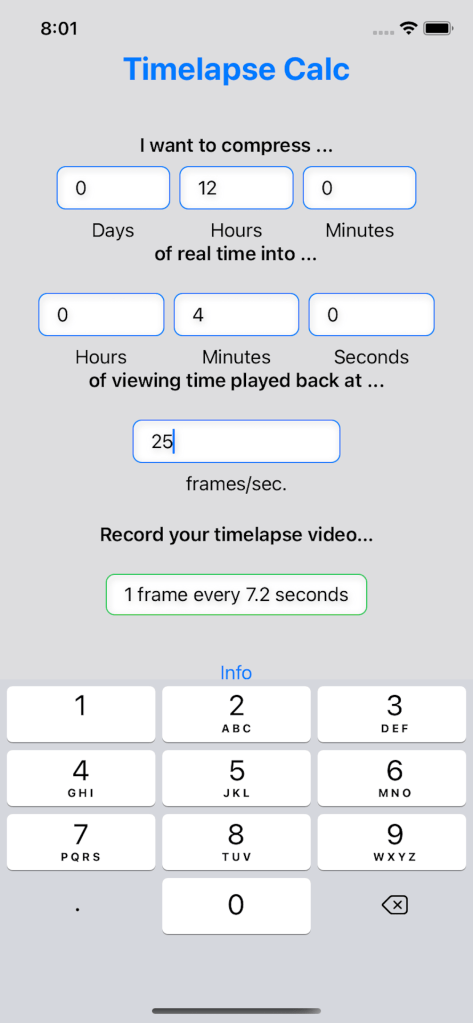
Quickly calculate the recording interval needed to turn a period of real time into timelapse time.

I shoot a lot of timelapse video and have always been flustered with the mental gymnastics I have to jump through to answer one of the first questions that pops into my mind when I’m first setting up the recording.

“What recording interval, in frames per second, do I need to use to compress a period of realtime into video time when played back at a particular frame rate?”

Me setting up a timelapse recording


Timelapse Calc answers that question with just a few taps in an easy to understand question-answer format.

Download on the App Store

Distance To Sound App Feature Complete

Our latest iOS app that uses the speed of sound to estimate distance.

Version 1.0

While lightning storms are rare on the West Coast of North America when they do appear two questions about the storm perpetually pop into my head. First, how far away was that lightning strike that just lit up the sky? Second, is the storm approach or receding?

To answer these questions, and to take the latest version of Apple’s new SwiftUI development paradigm out for a spin, we’ve created the ‘Distance to Sound’ app.

Features of the app:

  • A simple 2-tap interface to start and stop the measurement of the distance between you and a remote event. Wait for the flash of light, tap to start the measurement, wait for the sound from the event to arrive then tap to stop.
  • Deliver a slick and intuitive animated interface that works on the latest Apple iPhones (iPhone 8 and up).
  • Full support for dark mode.
  • Quick and easy updates to your local temperature to help refine the speed of sound used to calculate the distance between you and the event.

Welcome to Forefront Systems’ Website

“We cannot solve our problems with the same thinking that created them.”

Albert Einstein

Welcome to the Forefront Systems Inc. website.

Forefront Systems was created in the spring of 1995 to deliver forward thinking solutions to businesses and various provincial government organizations in British Columbia Canada. It was, and still is, based on the conviction that computer software is created on the shoulders of giants and that the evolution of technology in general and computer system in particular are a nonlinear chaotic processes that moves society forward in both productive and counter productive ways. The trick of course is that at the end of the day our efforts have moved us forward more than back.

Our goal was, and still is, to create leading edge software that puts to use the amazing technologies of the 21st century yet stays rooted in the time-tested foundations of computer systems and technological development. Solutions that respect a person’s right to privacy as the products we deliver entertain and inform.

“When nature flourishes humanity flourishes.”

Doug Farmer, Forefront Systems

We also have a rather sharp environmental ‘edge’ and strive to create applications and technological solutions that recognize humanties roll as a ‘keystone’ species. One that through action and inaction has had and continues a have a great impact on our home planet and as such we are a species that also bears a great responsibility. “Do no evil.” as Google used to say in their code of conduct.

“Bernard of Chartres used to compare us to dwarfs perched on the shoulders of giants. He pointed out that we see more and farther than our predecessors, not because we have keener vision or greater height, but because we are lifted up and borne aloft on their gigantic stature.”

John of salisbary, 1159 CE